
How to Read Your NFT Trading Card Transaction on Etherscan.io
(for users of NFT-TradingCards.biz)
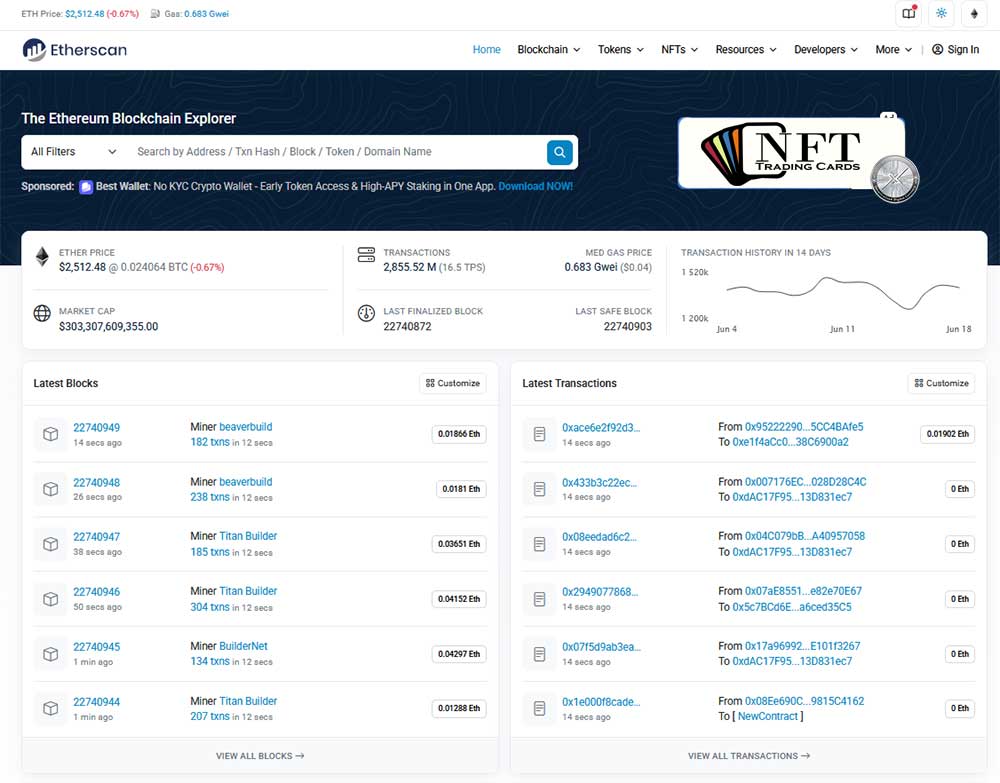
When you buy an NFT trading card on NFT-TradingCards.biz, your purchase is recorded on the blockchain. You can view the full details on Etherscan.io — the public ledger for Ethereum and Polygon networks.
Here’s how to read what you see:
🔗 Transaction Hash (TxHash)
This is the unique ID for your purchase — like your digital receipt. You can share this link or keep it for your records. It proves your transaction happened on-chain.
Block Number & Timestamp
Tells you when your NFT was minted or transferred — right down to the second. Every blockchain transaction is permanent, time-stamped, and public.
From Address
The wallet that purchased the NFT (your MetaMask wallet address).
To Address
The smart contract for NFT-TradingCards.biz — or, if you’re receiving a card from another user, this will show your wallet receiving the card.
Value (Amount Paid)
How much WETH (Wrapped ETH) or MATIC or POL you spent to buy the NFT card.
Gas Fee (Network Fee)
A small fee paid to the network to process your transaction. This is not paid to NFT-TradingCards.biz — it goes to blockchain validators.
Token Transfers (Your NFT Card!)
This section shows exactly which NFT Trading Card you now own!
Example: NFT Trading Card #2034 transferred to YOUR WALLET
This is proof of ownership — verifiable on-chain.
Why It Matters
- Verify your NFT purchase was successful
- See when your NFT card was minted
- Confirm your wallet now owns the card
- View transaction history of your collection
How To View:
After buying a card, click “View on Etherscan” from your purchase confirmation — or copy the transaction hash and paste it into Etherscan.io.
Need help reading your transaction?
Our team at NFT-TradingCards.biz is here to help — just reach out!